The Anatomy of an AI-Ready Landing Page: 5 Rules for 2026
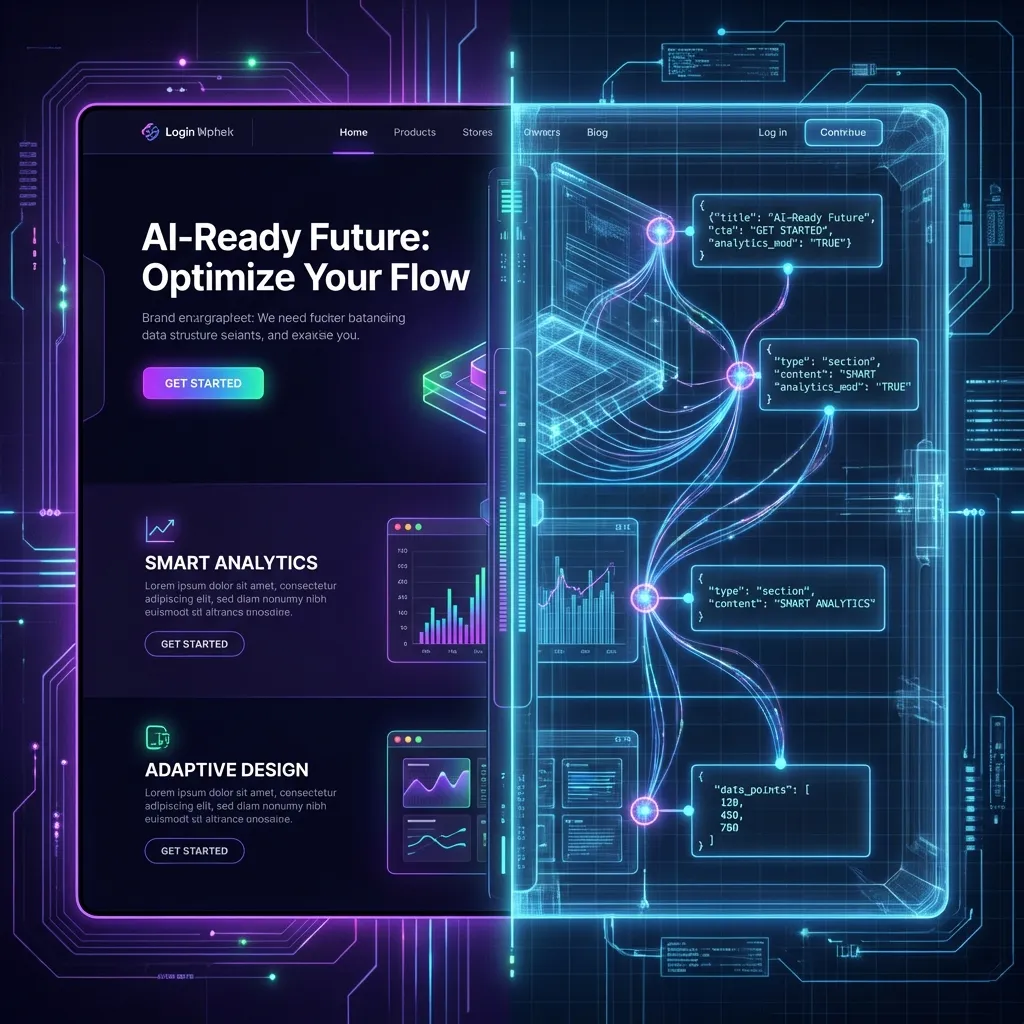
You spend weeks perfecting your landing page. The gradients are subtle, the animations are smooth, and the copy is punchy.
Humans love it. But to ChatGPT, Perplexity, and Google Gemini, your site might just be a blank page.
As search shifts from "10 blue links" to "1 direct answer," your website has two distinct audiences:
- The Human: Wants emotion, aesthetics, and social proof.
- The AI: Wants literal facts, structured data, and semantic hierarchy.
The problem? Modern web design often sacrifices the latter for the former. Here are the 5 rules to build a landing page that ranks in the AI era without sacrificing human conversion rates.
Rule #1: The "Literal" H1
Marketing copywriters love "vague aspirational" headlines.
- Bad H1: "Unlock Your Potential"
- Bad H1: "The Future is Now"
Humans parse the context from the images and subtext. An LLM (Large Language Model), however, scans the H1 to anchor the Entity Type. If your H1 doesn't explicitly state what you do, the AI classifies you as "Generic Business Service" or hallucinates entirely.
- Good H1: "Enterprise Inventory Management Software for Retail"
- Good H1: "AI-Powered SEO Analytics Platform"
The compromise: Use the literal description as the H1 (or H2 closely following it) and use your punchy marketing slogans as display text.
Rule #2: Semantic Structure > Div Soup
In the React/Next.js era, it is easy to build an entire site using nothing but <div> and <span>.
To an AI, a <div> is a generic container with zero semantic meaning. It doesn't know if that text is a main article, a sidebar advertisement, or a footer link.
You must use semantic HTML tags:
<main>: The core unique content of the page.<article>: Self-contained composition (blog posts, news).<section>: Thematic grouping of content.<nav>: Navigation links.
Pro Tip: Use aria-label attributes to give even more context.
<section aria-label="Pricing Plans">
  ...
</section>
This helps accessibility tools and AI scrapers understand the purpose of a visible block.
Rule #3: The "Fold" is Dead (for Bots)
"Above the fold" is a human concept based on screen size. AI bots read the source code, usually top-down.
However, a new problem has emerged with Single Page Applications (SPAs): Client-Side Rendering (CSR).
If your pricing table or core value proposition is loaded via a useEffect hook 3 seconds after page load, the bot (which often has a limited rendering budget) might miss it entirely.
The Fix:
- Use Server-Side Rendering (SSR) or Static Site Generation (SSG) where possible (e.g., Next.js App Router).
- Ensure critical text is in the initial HTML response. "View Source" is your best friend here. If you can't find your core keywords in the raw HTML, the AI likely can't either.
Rule #4: Feed the Machine (Structured Data)
If you want to be absolutely sure an AI understands your page, don't make it guess. Tell it directly using JSON-LD Schema.
This is a hidden block of code that provides a machine-readable summary of your page. For a SaaS app, you should essentially be filling out a "profile" for the bot.
Essential Schemas for 2026:
SoftwareApplication: Defines your app name, OS, and category.Organization: Connects your website to your brand entity and social profiles.FAQPage: Explicitly lists questions and answers (perfect for Perplexity citations).
Check out our Free Visibility Test to see if your schema is detected.
Rule #5: Don't Block the Messenger
Check your robots.txt.
In the rush to prevent "content theft," many companies aggressively blocked GPTBot (OpenAI), ClaudeBot (Anthropic), and others.
The Reality: If you block the bot, you cannot be cited. You are effectively opting out of the world's fastest-growing traffic source.
Unless you have highly sensitive proprietary data behind a paywall, you should allow these bots. Distinguish between:
- Malicious Scrapers: (Block these).
- AI Search Crawlers: (Allow these—they are the new SEO).
Conclusion
The "AI-Ready" web isn't about writing robotic text. It's about building a robust technical skeleton that supports your human-centric design.
You can still have the flashy animations and the witty copy. Just make sure that underneath the hood, you are serving the bots the structured meal they crave.
Unsure if your code is blocking AI? detailed Technical SEO audit with our Free Visibility Test.

Davide Agostini
Android Mobile Engineer and Founder of ViaMetric. Davide specializes in technical SEO and the emerging field of Generative Engine Optimization (GEO), helping founders navigate the shift from links to AI citations.
Frequently Asked Questions
- Does AI read my CSS?
- Mostly no. LLMs primarily consume raw HTML. Visual hierarchy hidden in classes (like 'text-xl') is often lost unless backed by semantic tags.
- Should I block AI bots?
- Only if you have proprietary data you don't want trained on. If you want visibility and brand awareness, blocking 'GPTBot' is shooting yourself in the foot.
- Is 'The Fold' still a thing?
- For humans, yes. For bots, no. However, important content should still be loaded in the initial HTML response, not lazy-loaded via JavaScript.